Șabloane de workflow | Fluxuri de lucru pentru IMM-uri

Aveți nevoie de un șablon de workflow? Porniți de la fluxuri gata făcute cu formulare, aprobări, rutare și pași de proces integrați, apoi adaptați fiecare flux pentru echipa dumneavoastră.
Explorați fluxuri de aprobare, fluxuri pentru cereri, onboarding, procese operaționale interne și alte exemple reutilizabile pentru a lansa mai rapid și a standardiza modul în care circulă munca în compania dumneavoastră.
Începeți acum să creați workflow-uri automatizate.

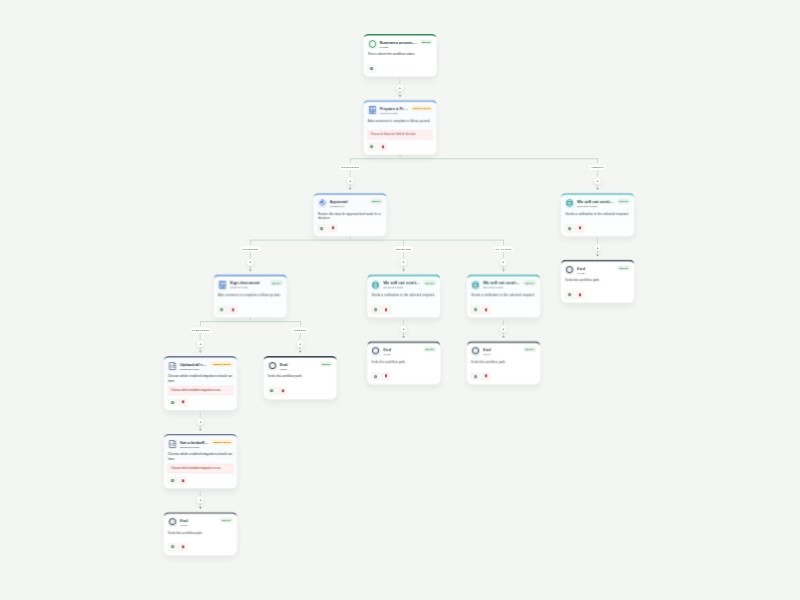
Business Process Workflow Template A reusable business process workflow for coordinating proposals, document signing, file storage, kickoff scheduling, and management approval. The form captures the requester’s contact details, subject, message, related documents, authorization, and signature information needed to move an internal process forward. After submission, a proposal task is assigned to a contract manager. The completed proposal is reviewed by a general manager; approved requests continue through document signing, Google Drive storage, and kickoff meeting scheduling, while denied requests receive an email notification. Customize the sample recipients, integrations, task instructions, timing, and form fields for your organization. Workflow history keeps each stage visible and auditable.
Bookkeeping Workflow Template Collect bookkeeping client intake details and route new requests through a structured approval and first-meeting process. The form captures contact information, business details, service needs, accounting software, transaction volume, records availability, and the people responsible for review. Approved requests create a client-first-meeting task and continue to a configurable Google Calendar step. Rejected or expired reviews notify the requester. Customize approvers, task instructions, calendar configuration, and notification content for your bookkeeping practice.
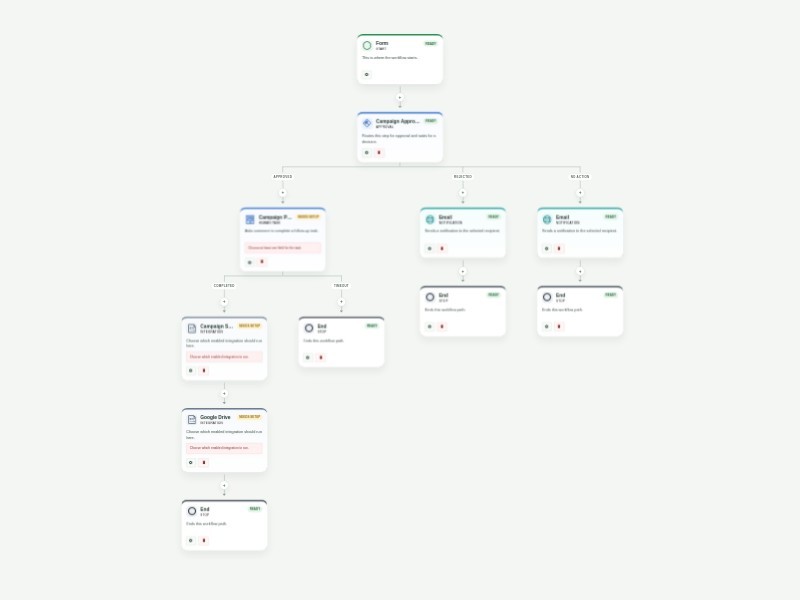
Campaign Approval Process Workflow Template The Campaign Approval Process Workflow Template is designed to automate and simplify the process of reviewing and approving marketing campaigns, making it perfect for marketing teams, creative departments, and business owners. This template ensures that every campaign, from digital ads to email blasts, goes through a structured review process, allowing teams to stay organized and ensure brand consistency. By automating campaign approvals, businesses can speed up the time to market while maintaining quality control. AbcSubmit Workflow Builder enables you to automate key aspects of the approval process, such as task assignments for content review and sign-off stages. Integration with tools like Slack and Google Drive ensures seamless collaboration, allowing teams to share campaign assets and communicate effectively throughout the approval process. You can also use conditional logic to route campaigns to the appropriate stakeholders based on campaign type or priority. These automations help you build a more efficient campaign approval process, reducing bottlenecks and enabling your team to focus on creating impactful marketing strategies.
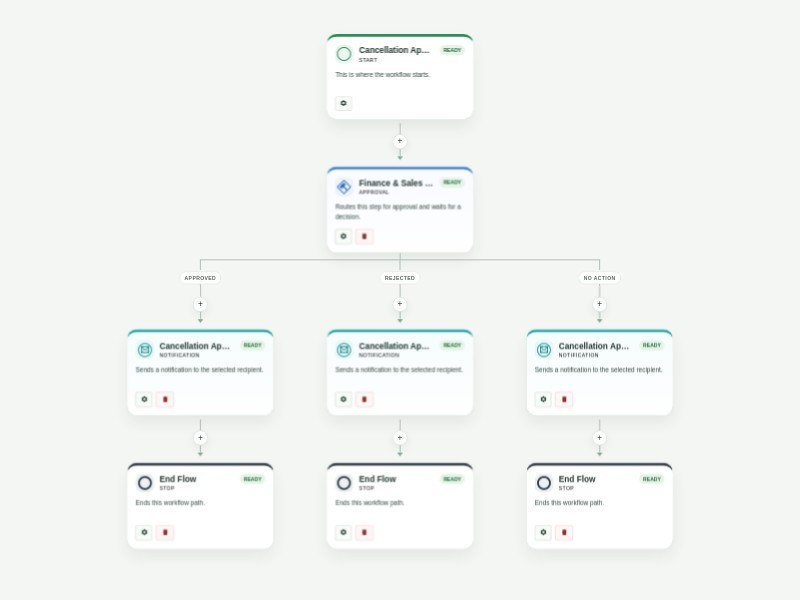
Cancellation Approval Process Template Get order cancellation requests through your website and respond to them immediately with AbcSubmit's free Cancellation Approval Process Template. When a customer cancels their order through your website’s order cancellation form, the related departments like finance and sales in the approval flow will receive their submission and decide whether to approve or reject it. Based on the final decision, an automated confirmation or rejection email will be sent to the customer regarding their order status. You shouldn’t have to cancel your plans to create a better order cancellation process. Luckily, AbcSubmit's drag-and-drop interface makes it fast and easy to update this Cancellation Approval Process Template for your online store. Without any coding, you can fully customize the order cancellation form to meet your needs, assign different people to the approval flow, create new conditions and autoresponder emails, and more. Use our Cancellation Approval Process Template to manage your approval flow, track cancelled orders, and keep customers happy!
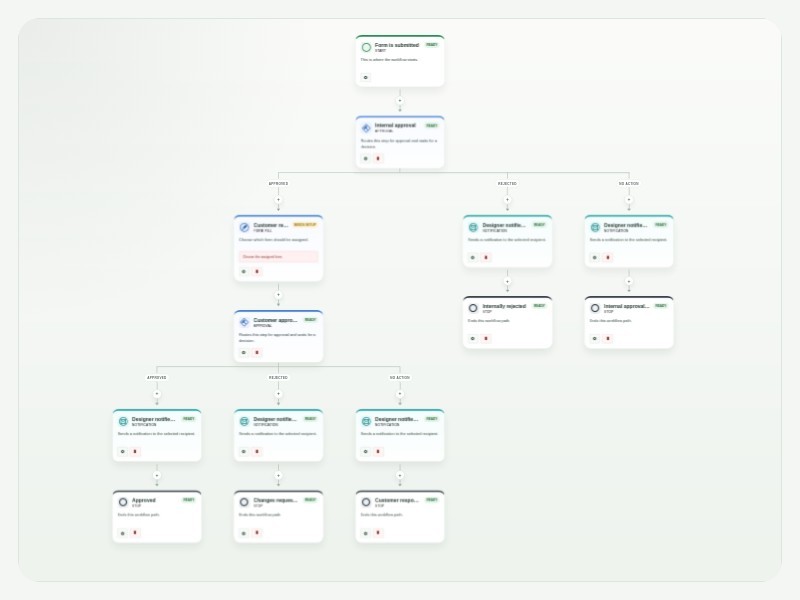
Design Approval Process Template The Design Approval Process Template makes it easier to review, approve, and track creative work from start to finish. It gives design teams a clear process to follow, keeps everyone involved in the loop, and creates a record of each approval along the way. With Flux Builder, designers can submit their work through a customizable form and automatically send it to the right people for review. For example, a project lead can review the design first, followed by the design director, before the approved work is sent to the client. Once a decision is made, the designer can automatically receive an update letting them know whether their work was approved or needs changes. You can customize the workflow to match the way your team works. Add or change approvers, create extra review steps, set conditions for different types of projects, and personalize notifications. Tasks and approvals can also be tracked in one place, making it easy to see what’s waiting for review and what has already been completed. By automating these steps, your team can spend less time chasing feedback and managing approvals manually, while keeping designers, stakeholders, and clients aligned throughout the process.
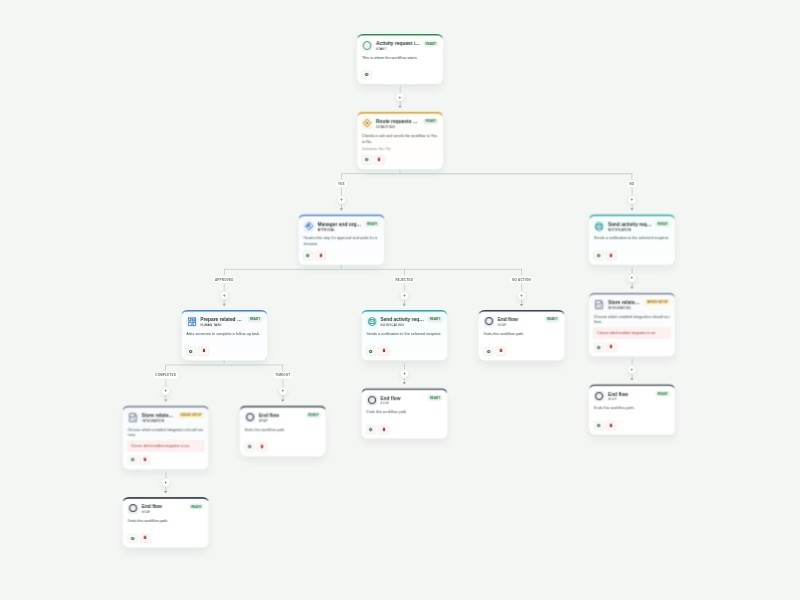
Activity Request Approval Workflow Template Collect and route activity requests through a clear approval process for schools, teams, event planners, and community organizations. The form captures event details, capacity, location, scheduling, support needs, and related files so organizers can evaluate every request consistently. Requests for more than 10 expected attendees are sent to the manager and organizer for review. Approved requests create a preparation task and then continue to a configurable Google Drive step for related documents. Requests that do not need approval receive an update and continue to the same document step; denied requests receive an update and end. Customize the attendance threshold, reviewer addresses, task instructions, notification content, and Google Drive configuration for your organization.
Budget Approval Process Workflow Template Streamline budget requests with a consistent finance and executive review process. The form captures the department, budget period, planned spending, total requested budget, and requester authorization needed to evaluate each proposal. Finance completes the initial review before the request moves to department and executive review. Approved requests move to a finance implementation and monitoring task, then to a configurable Dropbox documentation step and a final budget-flow report. Requests declined during the initial review receive an update; requests declined during executive review end without further action. Customize reviewer and task recipients, review timing, report content, and Dropbox configuration for your organization. Workflow history provides a clear record of each budget decision.
Affiliate Registration Approval Process Template Collect affiliate applications and route them through a clear approval process for marketing teams and affiliate program managers. The form captures the applicant’s contact details, website, promotion method, payment email, signature, and submission date so reviewers can evaluate each prospective affiliate consistently. Each application is sent to the marketing director and affiliate manager for review. Approved applicants receive an automated acceptance email, while rejected or expired reviews send an automated denial email. Customize the reviewer email addresses, review timing, and notification content for your affiliate program. Workflow history keeps a clear record of each application and decision.
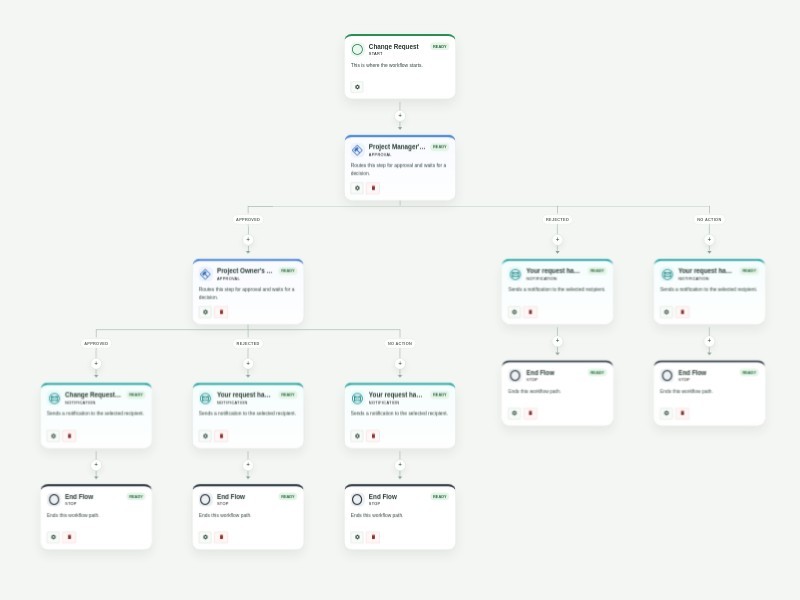
Change Request Approval Template Change Request Approval Process is a Business Process Template that provides you step by step process of the Change Request Approval Process. The Change Request Approval Process flowchart template is designed to map the business process flow of the role-based Change Request Approval Process. With this Change Request Approval Process flow diagram template you can create different types of process flow diagrams for your change request approval process. Whether you run a content team, design team, or project team, get internal change requests from fellow colleagues with AbcSubmit's free Change Request Approval Process Template. When someone fills out your change request form, their submission will automatically be forwarded to a project manager and then a project owner for review. Based on their final decisions, an automated confirmation or rejection email will be sent. Customize your Change Request Approval Process Template in just a few clicks. Without coding, you can drag and drop workflow elements such as outcomes, emails, and conditions onto the template. You can also assign new approvers via email address and track their activity in AbcSubmit Inbox to make sure no change request goes unseen. Streamline the way you track change requests and keep your work up to date with a custom Change Request Approval Process Template for your team.
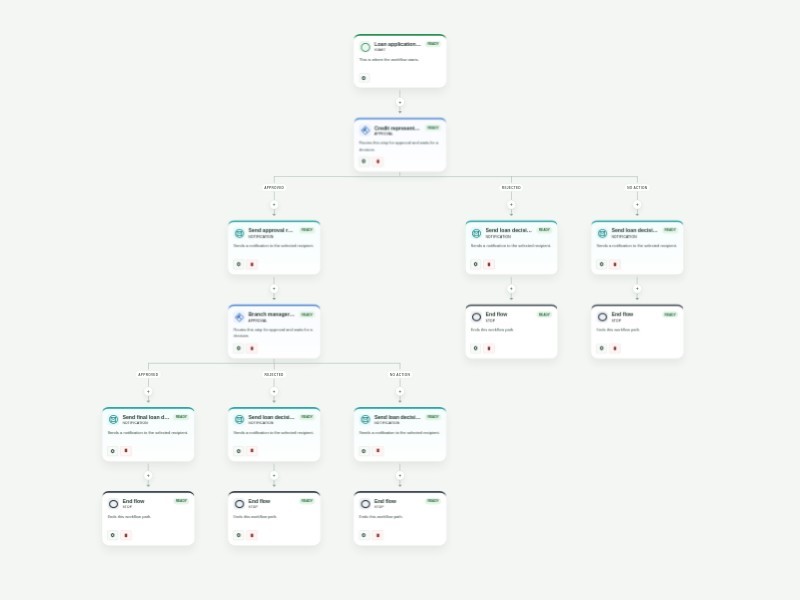
Business Loan Pre-Approval Process Template Streamline business loan pre-approval with a structured application and a clear two-stage review. The form captures applicant contact details, business and project information, financial background, requested loan details, supporting documents, and authorization for review. Applications first go to a credit representative. Approved applications are forwarded to a branch manager for the final decision, while declined applications receive a decision email. The final outcome is sent to the applicant automatically. Customize the reviewer addresses, approval timing, notification copy, and required application fields for your lending process. Workflow history keeps each decision visible and auditable.
Purchase Order Approval Template Keep purchase order requests moving with a clear, repeatable approval process. This template collects office supply requests, routes them through department and finance review, and gives each approver the context needed to make a confident decision. After the first review, the requester completes vendor, cost center, item, and delivery details in a linked purchase order form. The completed request then goes to final COO approval, while automatic updates keep the requester informed when a request is denied, overdue, or approved. Customize the approver email fields, request questions, approval timing, and notification messages to match your purchasing policy. Use the workflow activity history to see where each request is waiting and maintain an auditable record of every decision.
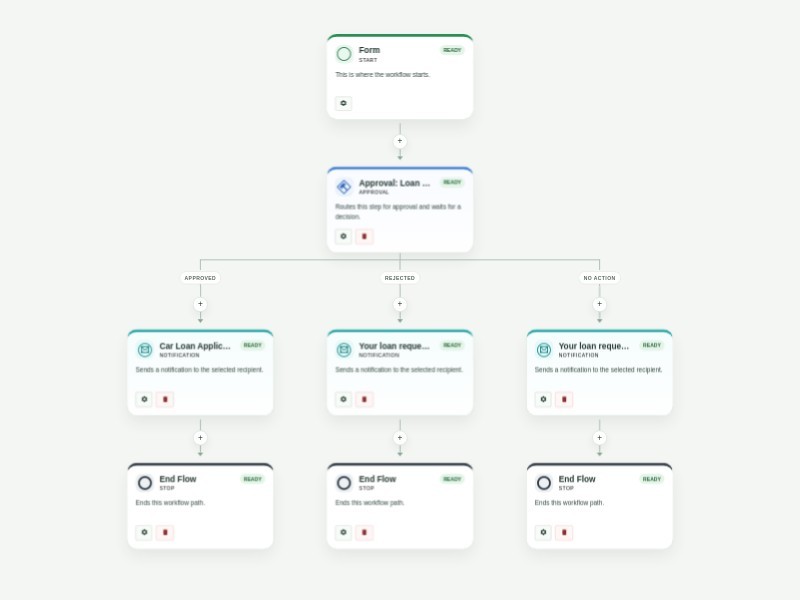
Car Loan Application Pre-Approval Process Template Efficiently pre-approve car loans for customers with AbcSubmit's free online Car Loan Pre-Approval Process Template! Every application you receive through your car loan pre-approval application form will be sent to your loan consultant instantly upon submission, who will choose to approve or reject it. Once they’ve made their decision, the customer will receive an autoresponder email informing them of your decision. Make this Car Loan Pre-Approval Process Template work better for your business by customizing it with AbcSubmit's drag-and-drop builder. Add more approvers and conditional branches, set up notifications and time limits, and personalize your autoresponder emails in a few easy clicks. Each approver can respond to tasks from their inbox — and as form owner, you can manage the entire Car Loan Pre-Approval Process Template’s approval flow on any device.
Business Trip Approval Workflow Template Employees can request approval for business travel by providing their destination, travel dates, purpose, and expected expenses. Finance reviews each request first. Requests approved by finance move to manager review; requests declined at either stage trigger a decision email. After both approvals, an assigned staff member handles reservations and bookings. The workflow then reaches a configurable OneDrive document step and sends a final flow report. Configure reviewer addresses, the booking assignee, notification content, and OneDrive before using the workflow with live submissions. The form records the request details, estimated total, consent, and signatures.
Capex Approval Process Workflow Template The Capex Approval Process Workflow Template is designed to streamline and automate the approval process for capital expenditure (Capex) requests. This template ensures that every Capex proposal—whether for equipment, infrastructure, or large-scale investments—undergoes proper review and approval before being implemented. It's ideal for finance teams, department heads, and operations managers seeking to maintain tight control over spending and ensure compliance with budget policies. Using AbcSubmit Workflow Builder, you can collect Capex requests via customizable forms, automate the routing of proposals to the appropriate approvers, and track each request's status through real-time updates. Features like approval flows ensure that requests are reviewed by multiple stakeholders, while integrations with platforms like Slack, Google Drive, and QuickBooks help manage documents and track expenditures. Conditional logic can be employed to escalate high-value requests for senior-level approval. By leveraging these automations, businesses can ensure that their Capex approval process is transparent, compliant, and efficient, helping to safeguard financial resources and support smart investment decisions.
Account Approval Workflow Template Review account-opening applications with a consistent approval path that is ready for financial institutions, membership organizations, and service businesses. The template collects applicant details, identification, account preferences, supporting documents, and the reviewers responsible for each decision. Personal account applications are routed to the Head of Investments and CFO, while all other account types are routed to the Finance Manager and CFO. Each approval requires a comment, and clear approval or rejection reports create an auditable decision record for the applicant and operations team. Customize the account types, approver email fields, review timing, report recipients, and Google Drive integration for your organization. Use the workflow history to identify applications awaiting review and keep account onboarding secure, timely, and consistent.
Appointment Scheduling Workflow Template Automate appointment requests with a structured review and calendar scheduling flow for clinics, consultants, service teams, and administrative staff. Collect client details, requested dates and times, appointment needs, and the staff member responsible for approval. Approved requests continue to a configurable Google Calendar step and notify the client that the appointment is set. Rejected or expired reviews notify the client that the request was not accepted. Customize approvers, scheduling settings, calendar configuration, and notification content for your organization.
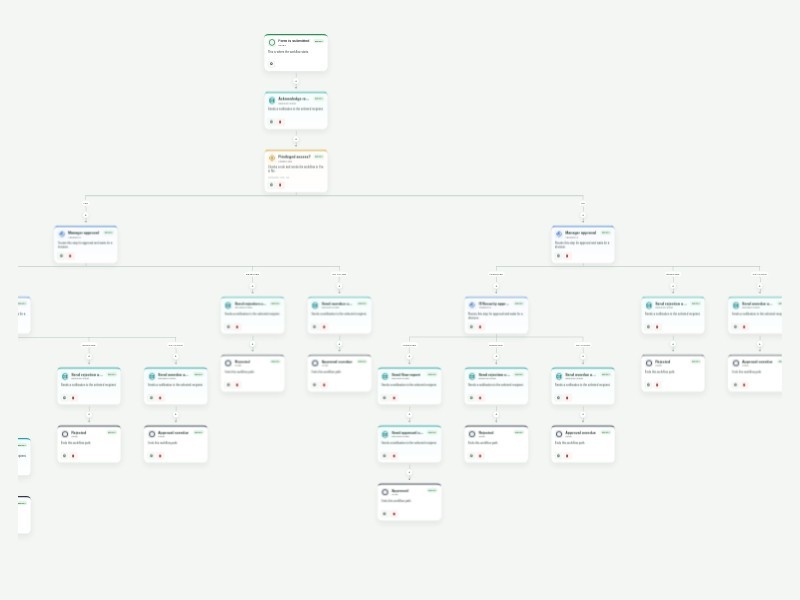
Access Approval Request Workflow Template Streamline requests for applications, databases, shared files, VPNs, and physical locations with a structured access approval process. This template captures the requested system, access level, timing, business justification, supporting files, and the people responsible for reviewing the request. Standard access requests move from the requester's manager to the IT or security reviewer. Privileged requests add an executive approval before the security review, so sensitive permissions receive the right level of oversight. Required approval comments and automatic requester updates create a clear, auditable record of each decision. Customize the approver email fields, access types, review timing, and notification messages for your organization. Use the workflow history to see where requests are waiting, follow up on overdue approvals, and keep access decisions consistent with your security policy.
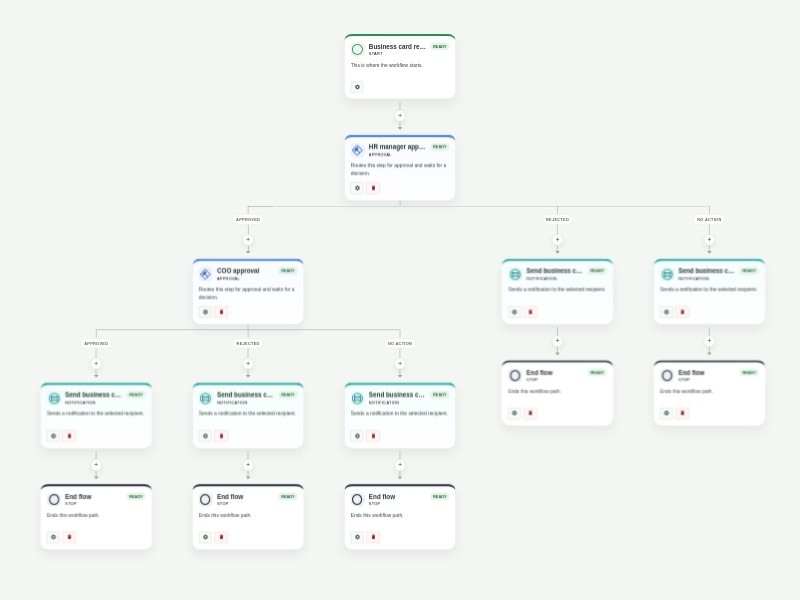
Business Card Request Approval Process Template Manage business card requests with a clear, reusable approval process. The form collects the requester’s contact details, website, shipping address, and business card requirements so each order includes the information your team needs to review it. An HR manager reviews each request first. Approved requests move to COO review, while declined requests notify the requester that the order cannot proceed. After the COO’s final decision, the requester receives a confirmation or rejection email. Customize the HR and COO approval addresses, review timing, and email content to fit your organization or print-order process. Workflow history provides a consistent record of every review and decision.
Animal Adoption Approval Workflow Template Streamline pet adoption applications with a structured review, home-visitation scheduling, calendar coordination, and clear applicant updates. The form collects the prospective adopter’s contact details, household and yard information, current pet-care practices, veterinarian details, references, and authorization. A shelter manager reviews each application. Approved applicants move to a home-visitation task and configurable Google Calendar step, followed by an approval-history report to the shelter manager and an approval email to the applicant. Rejected or expired reviews send a denial email. Customize recipient addresses, task timing, calendar configuration, and notification messages for your shelter or rescue organization.
Account Closing Approval Workflow Template Manage account closure requests with a clear, secure review process for banks, financial institutions, service businesses, and customer support teams. The form collects the account holder and account details, the requested closure date, supporting documentation, and authorization needed to evaluate the request. An account manager reviews each request. When it is approved, an account specialist receives a closure task and confirms the work before the account holder is notified. Rejected or expired reviews notify the requester without starting the closure task. Customize account types, approver and specialist recipients, review timing, and your organization’s required closure documentation. Workflow history provides a consistent record of each request and its outcome.