
Appearance
Create a Neural Network
Neural Networks are account resources used by form conditional logic, including Neural Auto Filler. They are not ordinary form fields and require suitable training data and model choices.
Wizard steps
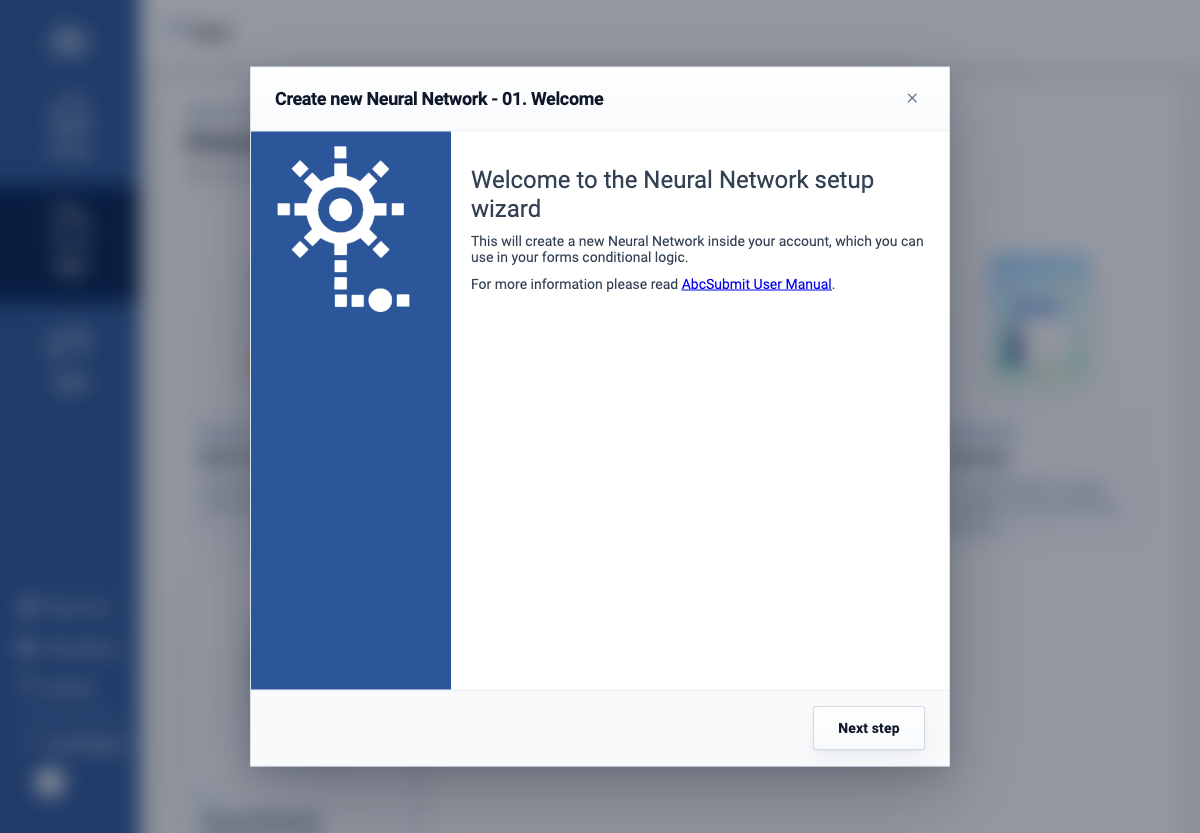
- Choose New > Neural Network. The welcome screen explains that the wizard creates a model inside the account for use in form conditional logic.
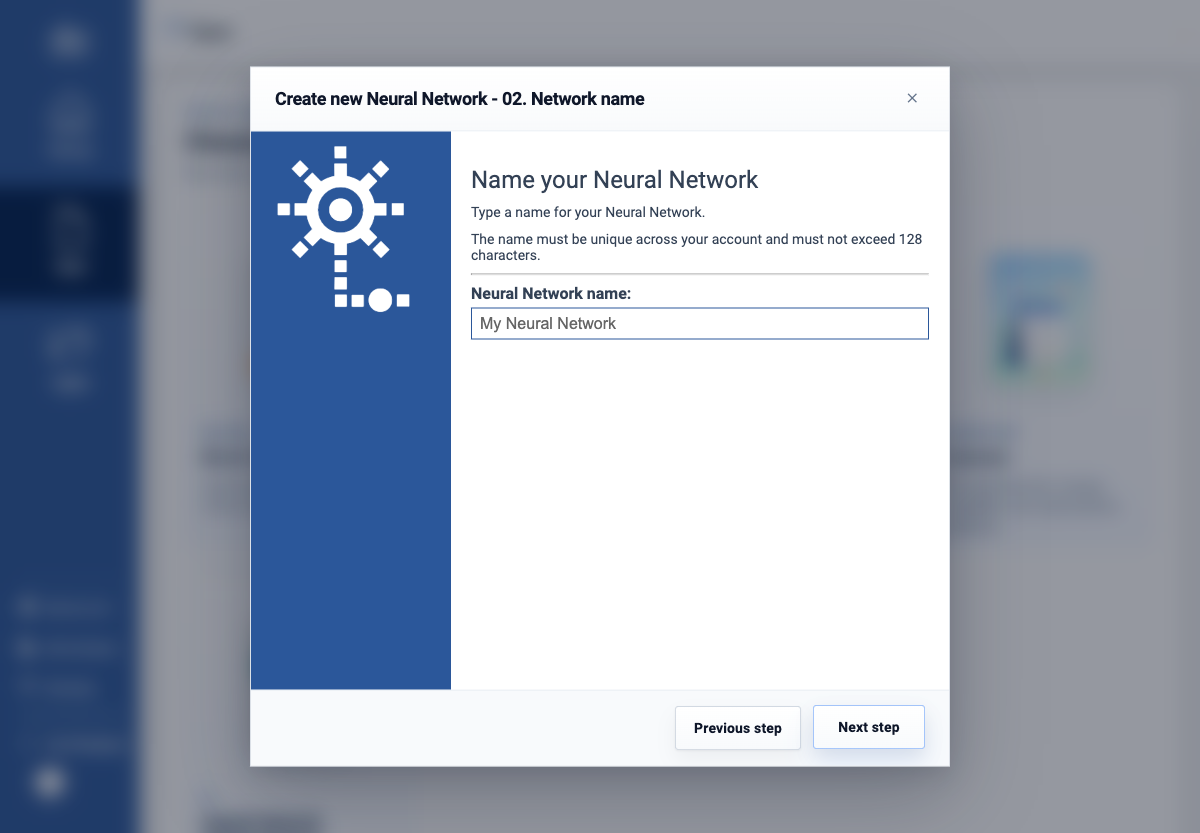
- Select Next step and enter a unique Neural Network name. The live wizard states that the name cannot exceed 128 characters.
- Continue through the remaining data-source, target, and training steps only with authorization and non-sensitive training data. Review the model before making it available to forms.
No model was created for this documentation pass because training one would require an approved dataset and additional external side effects. Test predictions with representative and edge-case data before using a model to populate or gate a form.