Appearance
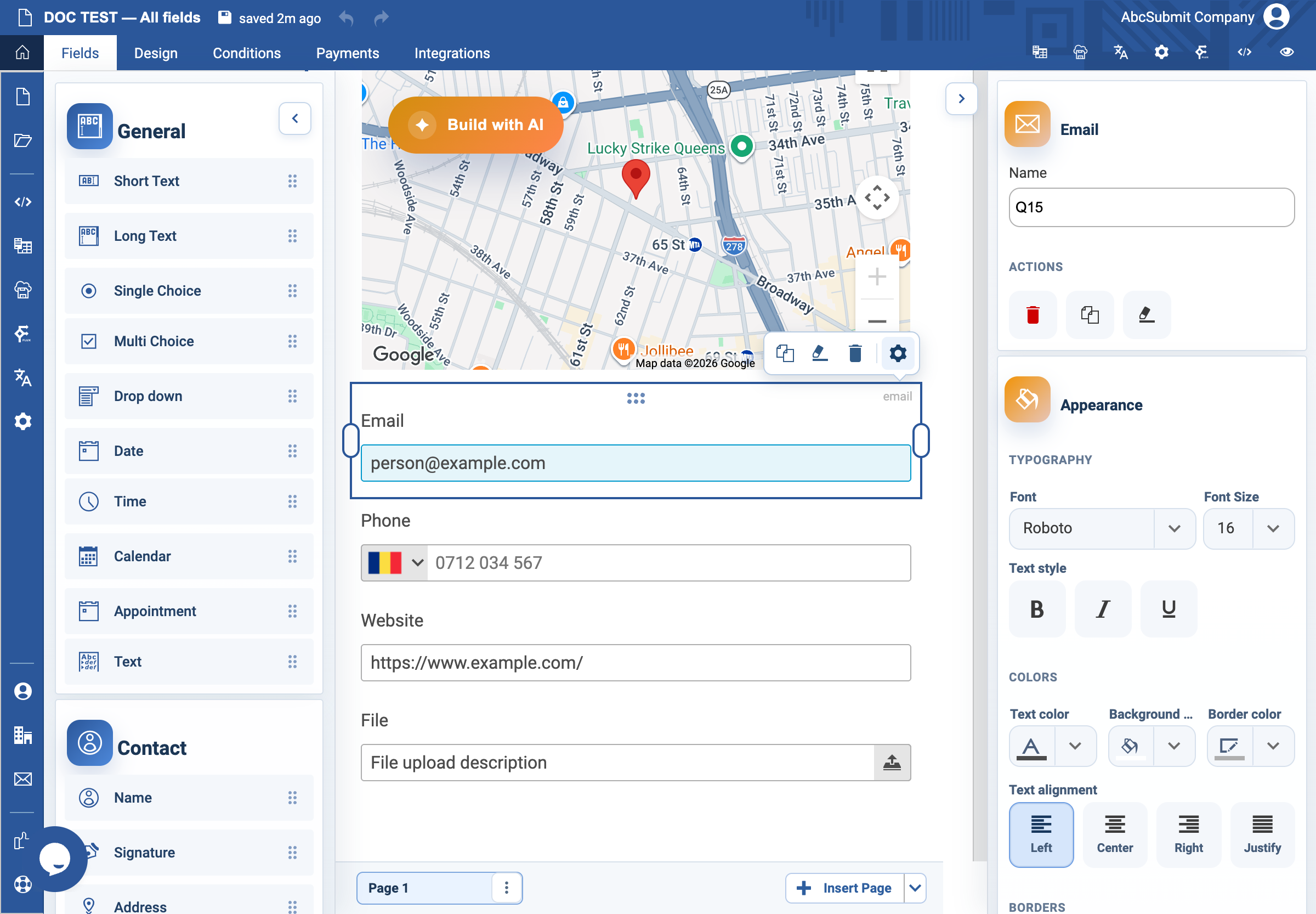
Email field
Use Email for an email address; it provides email-format validation.
Example: confirmation email
- In Fields > Contact, select Email.
- Select the field and open Edit.
- Set the label to
Email address for confirmationand Name toconfirmation_email. - Set the placeholder to
name@example.com. - In Validation, retain the email accepted-data format.
- Turn on Required Field only when you need an address to complete the task.
- Use Unique Value only for a deliberate one-email-per-submission rule.
- Set Custom error text to
Enter an email address in the format name@example.com. - Preview with
name@example.com, then withname@.
Format validation does not prove ownership of the mailbox or that it can receive email.