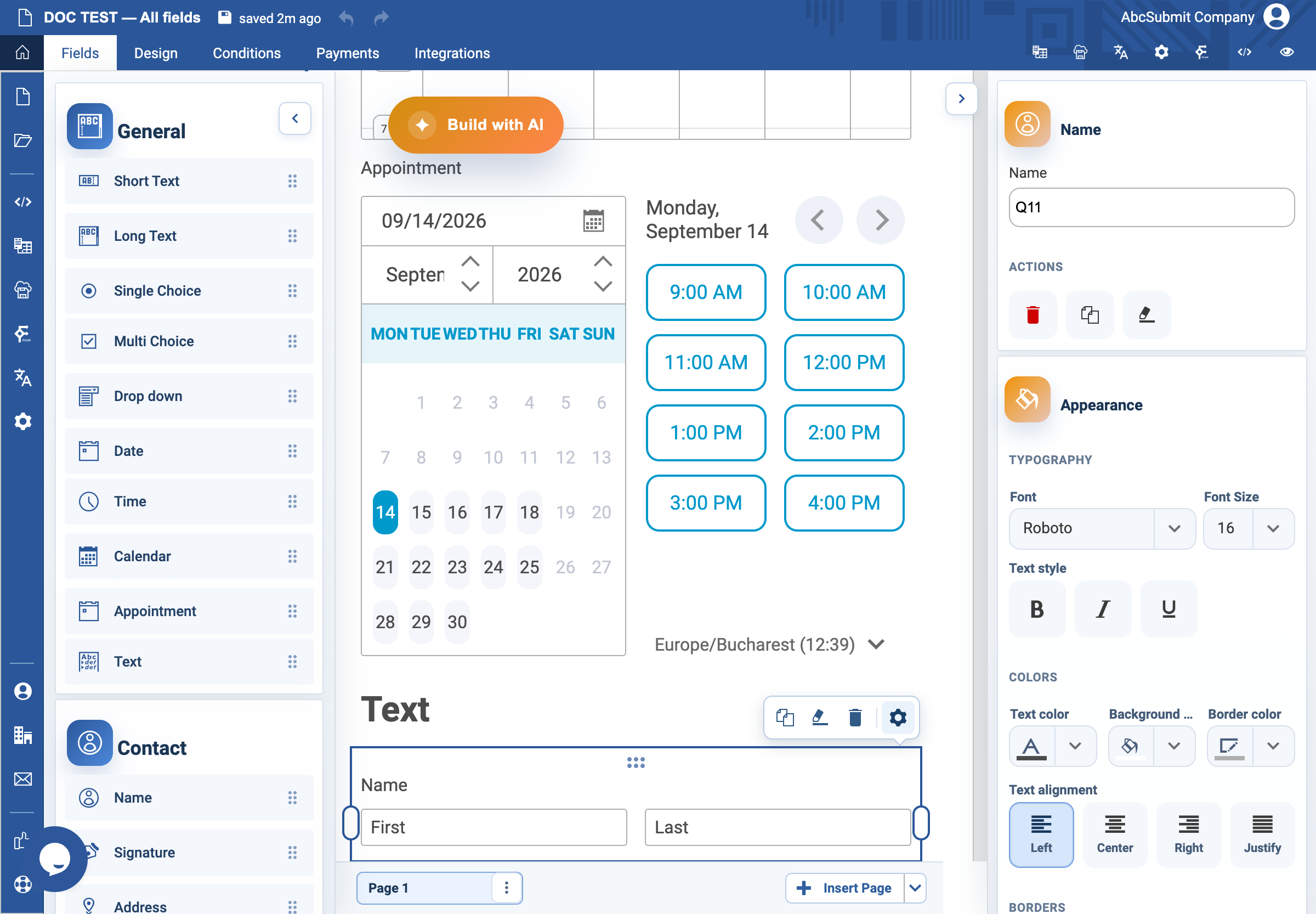
Appearance
Name field
Use Name when you need separate name parts rather than one free-text answer.
Example: participant name
- Open Fields > Contact and select Name.
- Select the field and open Edit.
- Set the label to
Your nameand Name toparticipant_name. - In the field editor, keep only the name parts your process needs—normally First name and Last name.
- Add Title, Initials, or Middle name only when the information has a real purpose.
- Edit each visible part’s placeholder if the default wording is not appropriate.
- Turn on Required Field if a name is needed to process the submission.
- Preview and confirm the form remains usable with the expected name formats.
Expected result
The form captures only the needed name components. Test how the parts appear in response exports, notifications, and workflows before relying on them individually.